

Website visitor tracking tools help website owners understand how users behave, improve UX, boost SEO performance, and increase conversions. If you run a startup or manage a website, knowing what visitors do after landing on your pages is essential for growth.
People don’t just browse—they click, scroll, hesitate, and leave clues behind. With the right visitor tracking software, you can turn this behavior into actionable insights that help you improve UX and conversions while strengthening your SEO strategy.
If you run a startup or manage a website, you already know this problem:
People visit your site… but you don’t always know what they do next.
Where do they click?
Which pages make them leave?
Why don’t they convert?
That’s exactly why website visitor tracking tools matter.
The right visitor tracking software helps you understand user behavior, fix UX issues, improve SEO, and ultimately improve UX and conversions at the same time.
In this guide, I’ll explain:
- What website visitor tracking is
- Why it matters for UX, SEO, and sales
- The 7 best website visitor tracking tools in 2026
- Simple tips for choosing the right tool
This article is written for startup founders, website owners, marketers, and SEO beginners.
Let’s start.
If you’re serious about growth, combining visitor tracking with proper SEO strategy is essential. You can also read our guide on keyword research for startups to understand how search intent drives traffic.
What Is Website Visitor Tracking?
Website visitor tracking is the process of collecting data about how users interact with your site.
Good visitor tracking software shows you things like:
- Which pages visitors view
- How long they stay
- Where they click
- What devices they use
- Where they drop off
Modern tracking platforms combine behavior data with SEO analytics tools, so you can see how organic traffic performs and where improvements are needed.
In short:
Visitor tracking turns guessing into data-driven decisions.
Benefits of Using Website Visitor Tracking Tools
Using proper website visitor tracking tools gives you several big advantages:
- Understand real user behavior
- Spot UX problems quickly
- Improve page engagement
- Discover SEO opportunities
- Increase conversion rates
- Make smarter content decisions
For startups, this insight is priceless. Instead of guessing what users want, you see it clearly.
7 Best Website Visitor Tracking Tools
Below are seven popular and beginner-friendly tools that help you analyze visitors, optimize UX, and grow conversions.
1. Google Analytics
Short overview
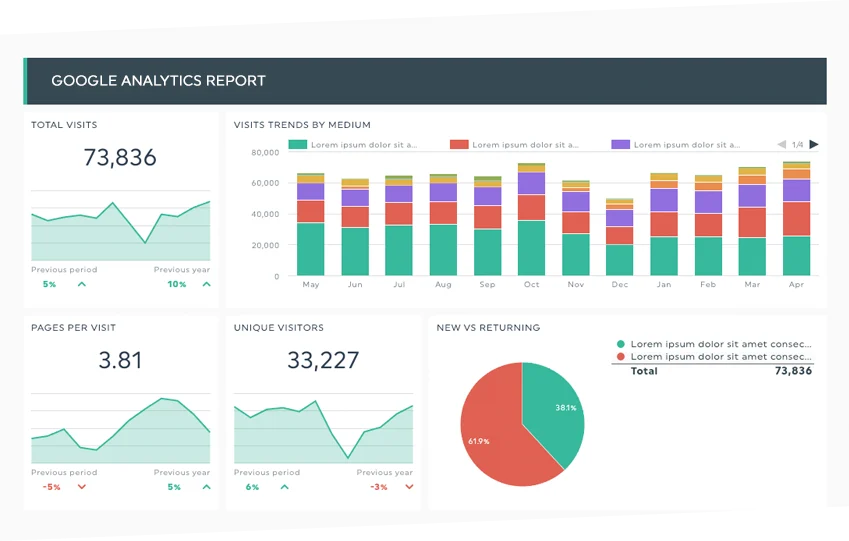
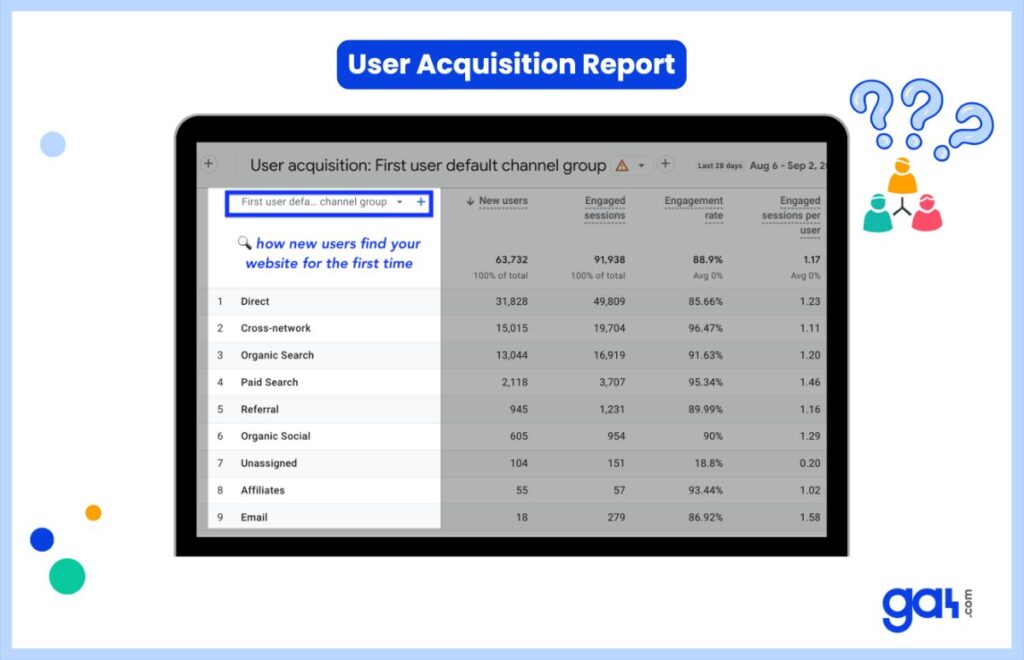
Google Analytics is the most widely used web analytics platform in the world. It tracks traffic sources, user behavior, and conversions.
Key features
- Traffic & audience reports
- Conversion tracking
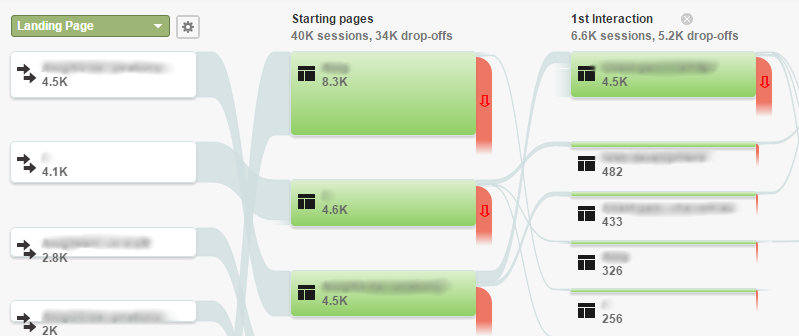
- User journeys
- Integration with Google Search Console
- Powerful SEO analytics tools
Best for
Beginners, startups, and anyone who wants a free all-in-one analytics solution.
2. Hotjar
Short overview
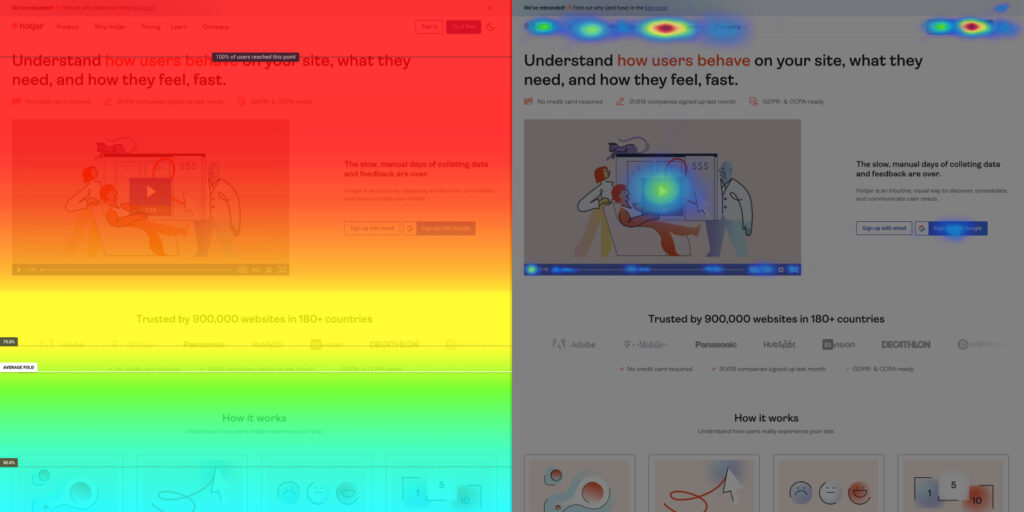
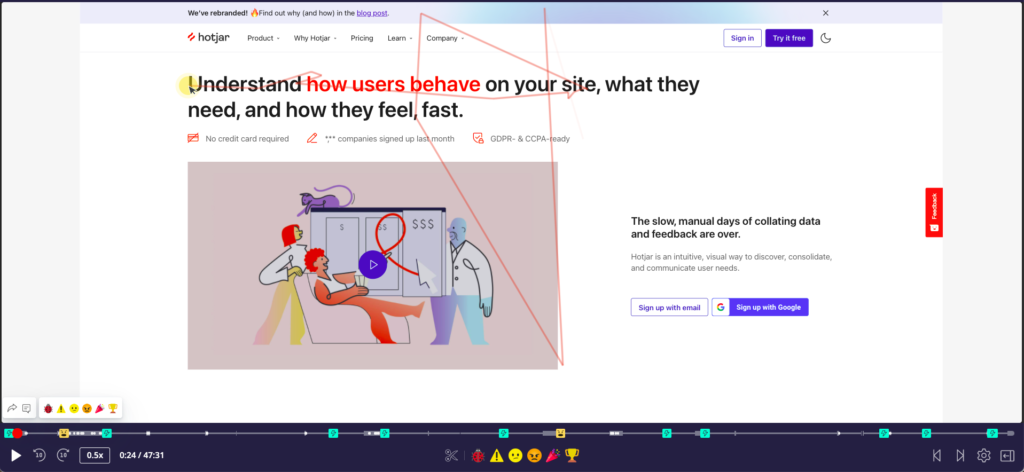
Hotjar focuses on visual behavior tracking with heatmaps and session recordings.
Key features
- Heatmaps (click, scroll, move)
- Session recordings
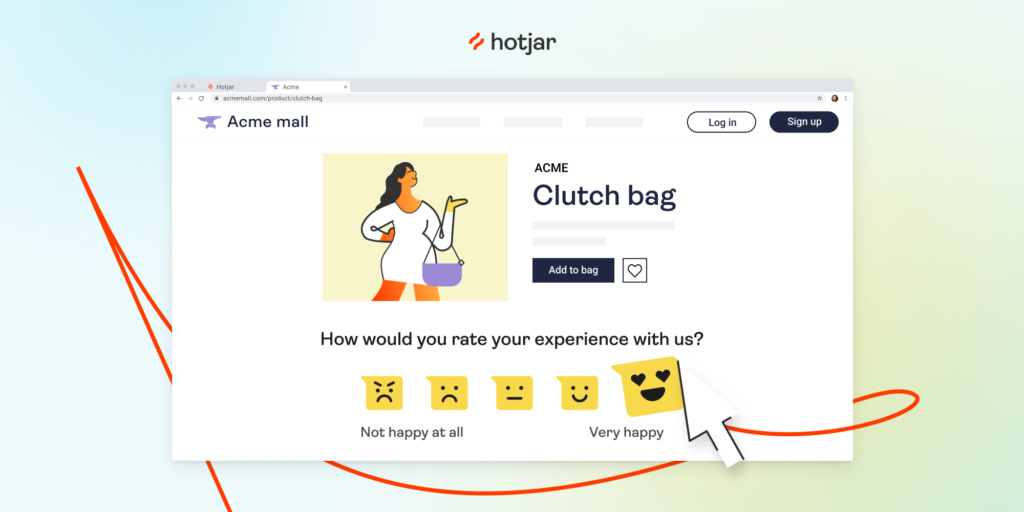
- On-page surveys
- Feedback widgets
Best for
Improving UX and understanding why users don’t convert.
3. Microsoft Clarity
Short overview
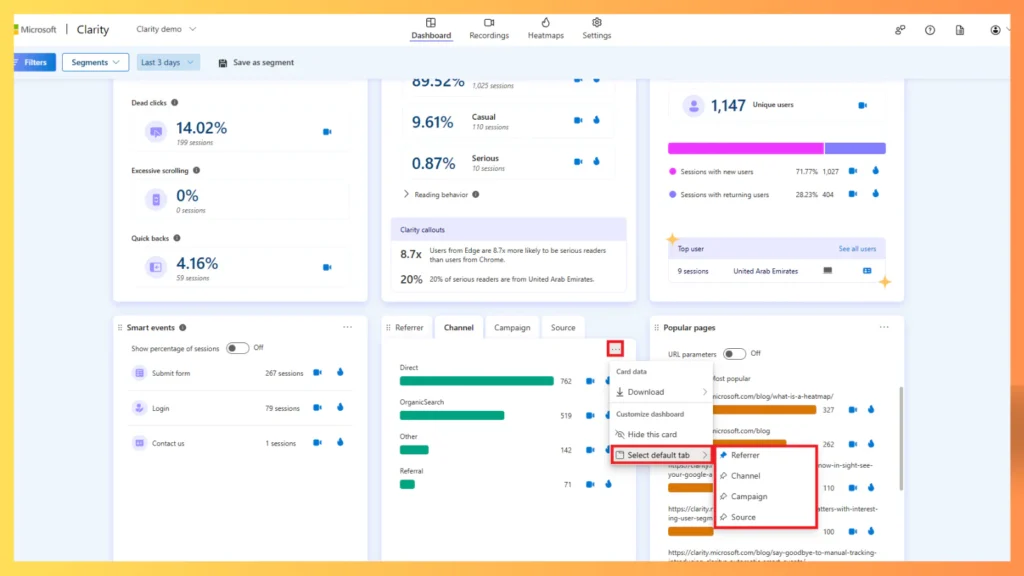
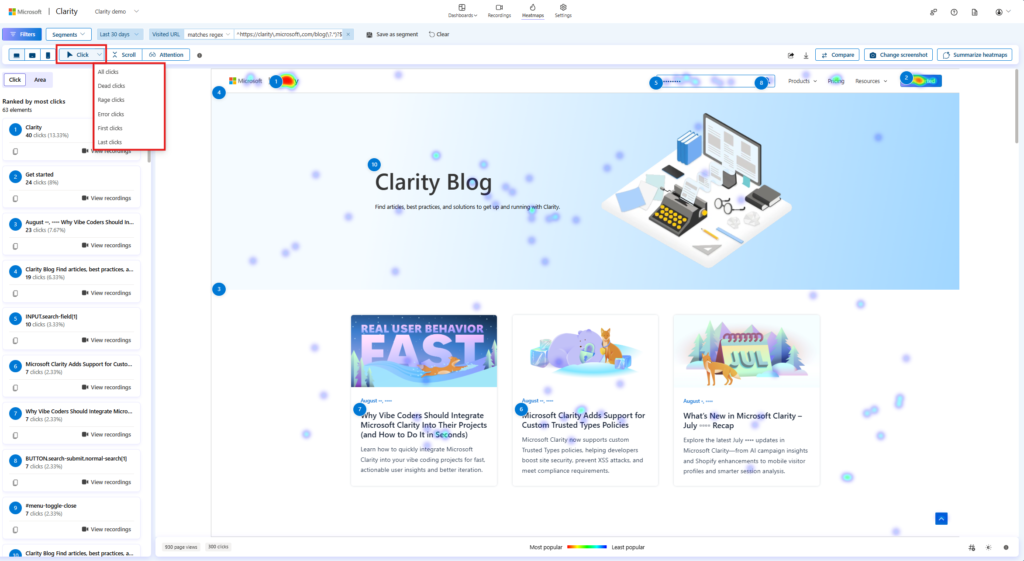
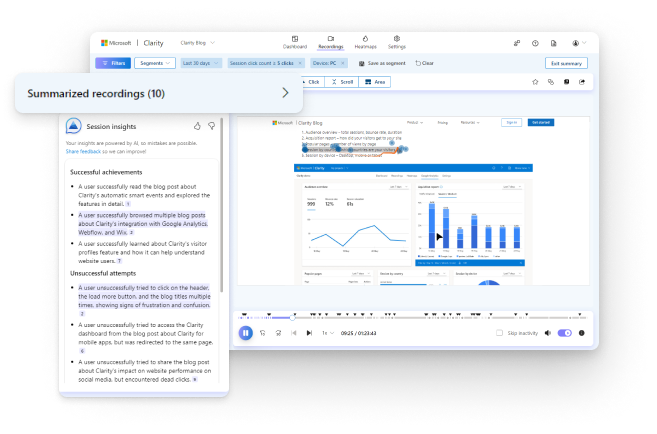
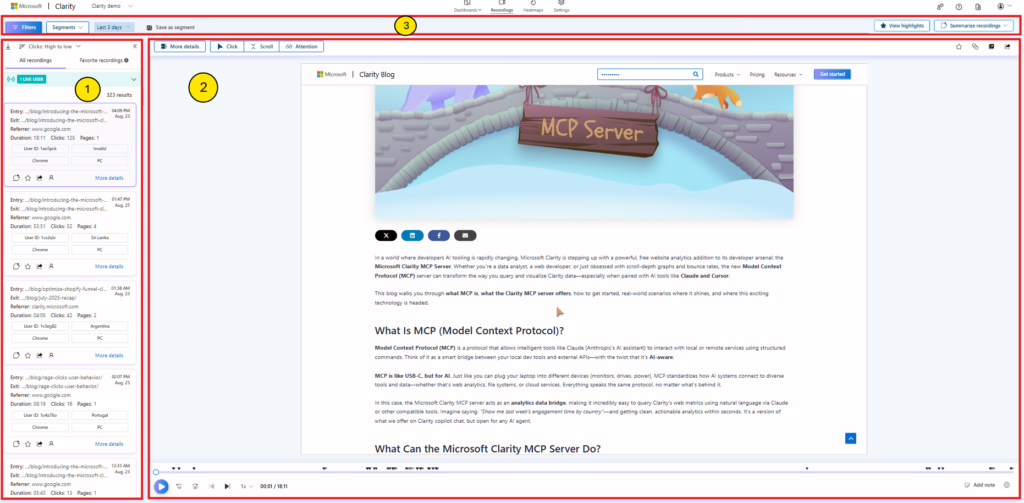
Microsoft Clarity is a free visitor tracking software with powerful heatmaps and session replays.
Key features
- Unlimited session recordings
- Click heatmaps
- Rage-click detection
- Easy setup
Best for
Budget-conscious startups that want behavior tracking without paying.
4. Crazy Egg

Short overview
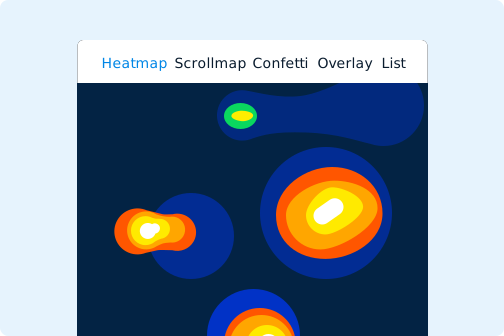
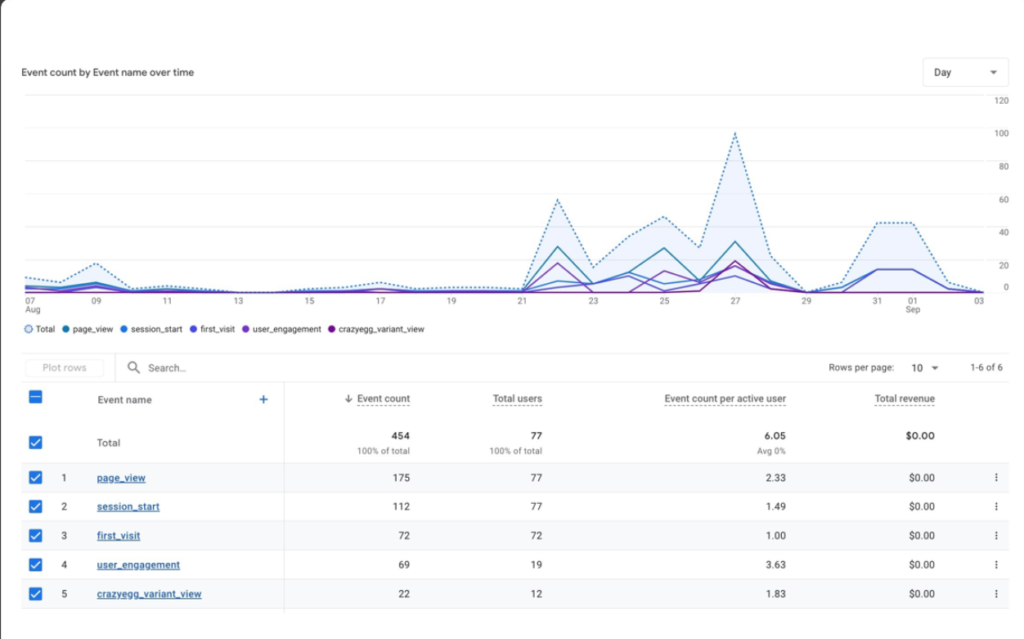
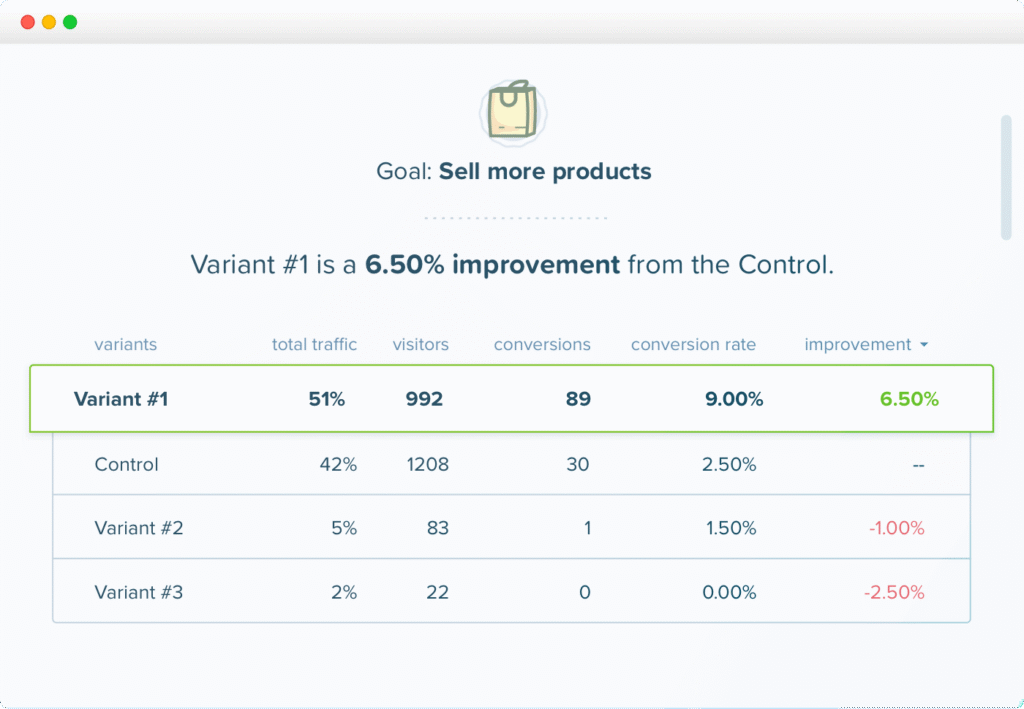
Crazy Egg specializes in heatmaps and A/B testing to help optimize pages.
Key features
- Heatmaps & scroll maps
- A/B testing
- Visitor recordings
- Page snapshots
Best for
Conversion optimization and landing page testing.
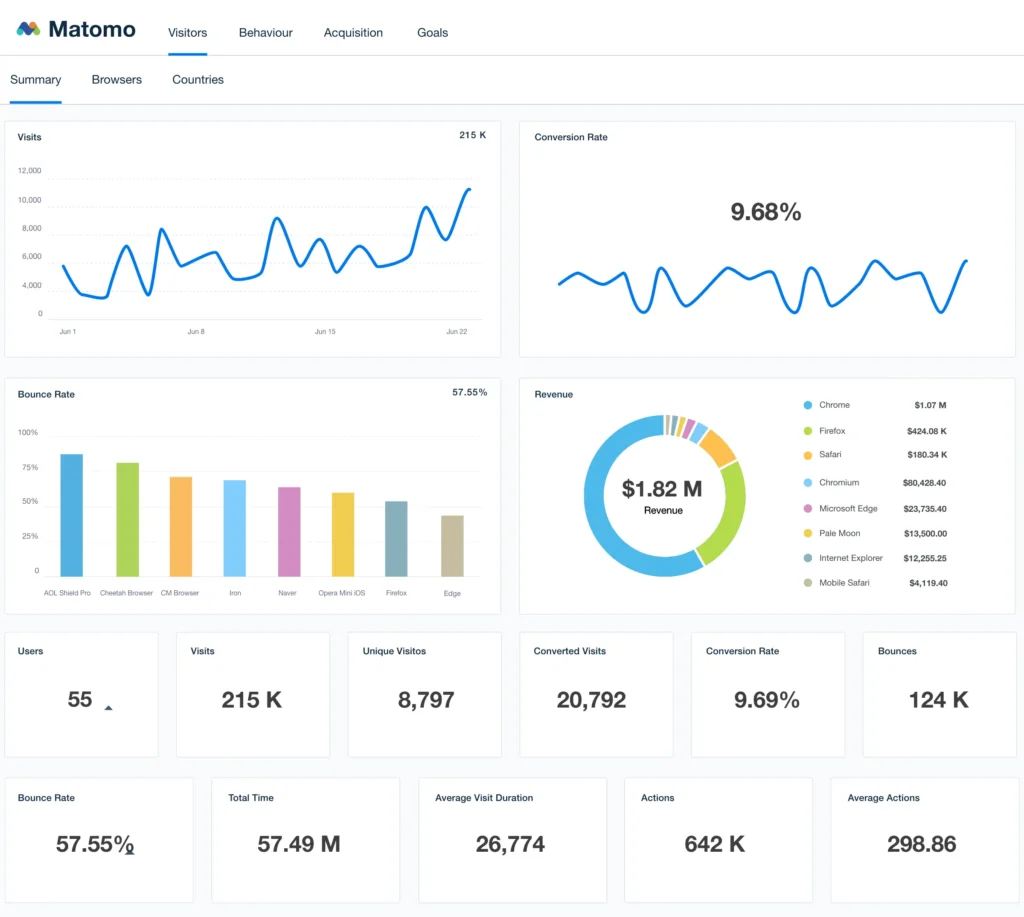
5. Matomo
Short overview
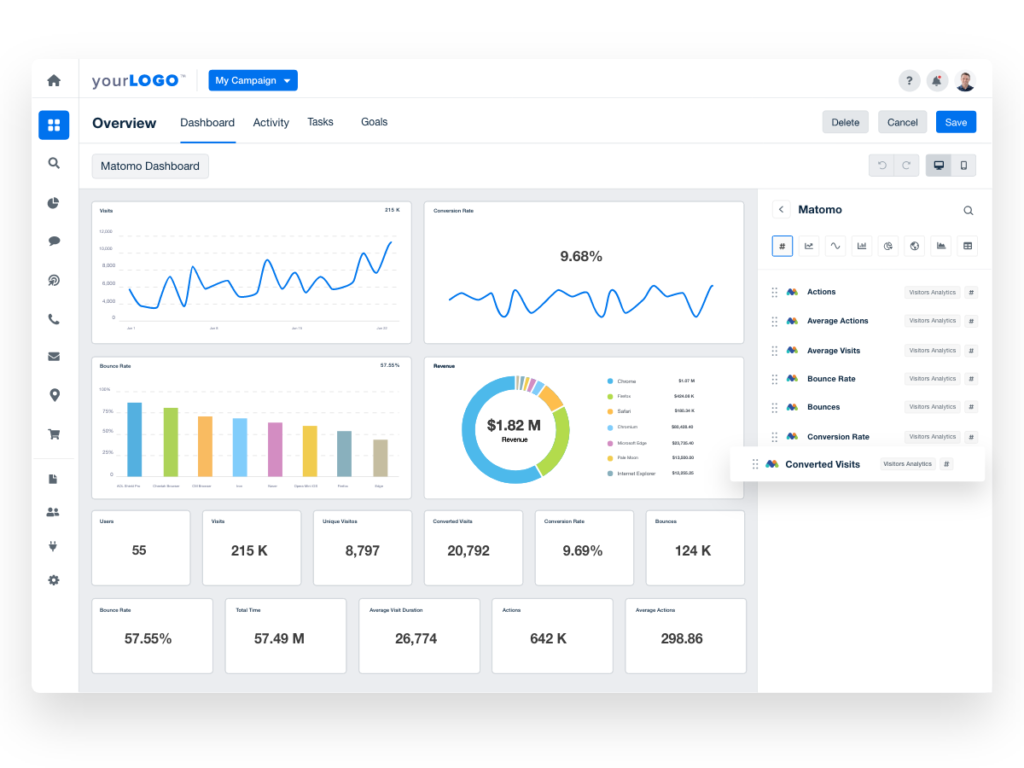
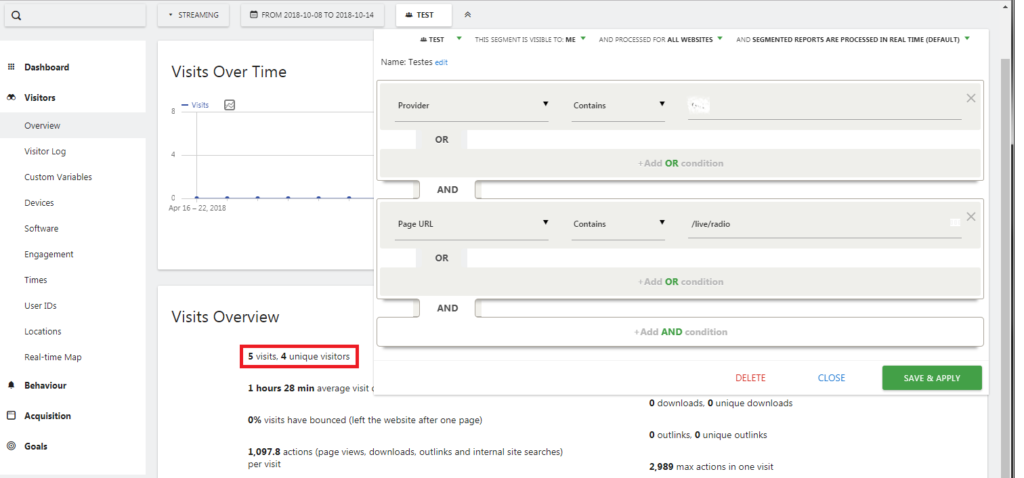
Matomo is an open-source alternative to Google Analytics with strong privacy controls.
Key features
- Full data ownership
- Visitor logs
- Conversion tracking
- GDPR-friendly setup
Best for
Businesses that care about privacy and data control.
6. Mixpanel
Short overview
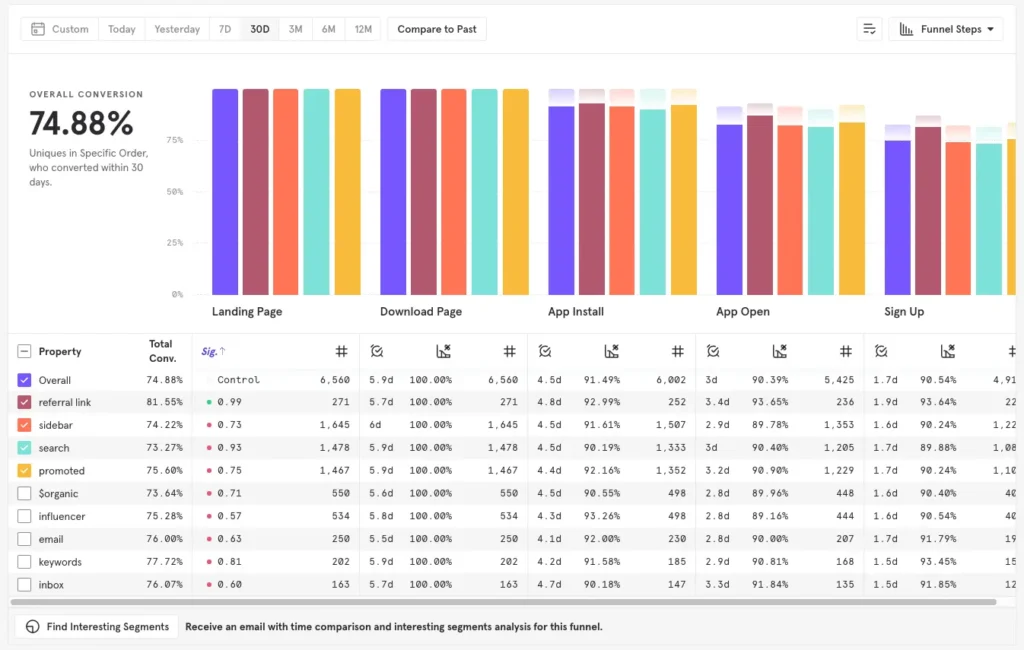
Mixpanel focuses on event-based tracking, perfect for SaaS and product-driven startups.
Key features
- Funnel analysis
- Retention tracking
- Event-based reports
- User cohorts
Best for
SaaS products and apps.
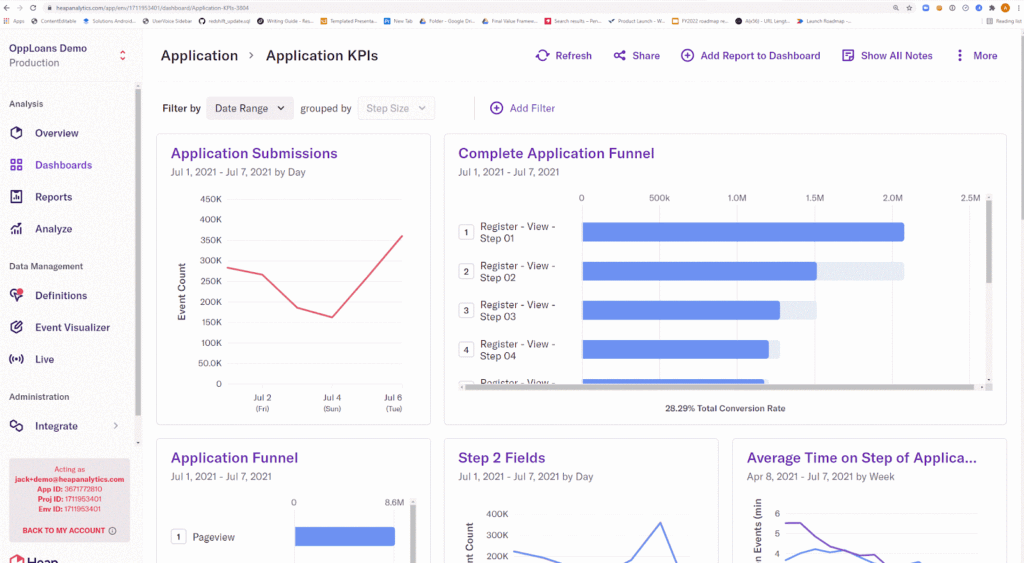
7. Heap

Short overview
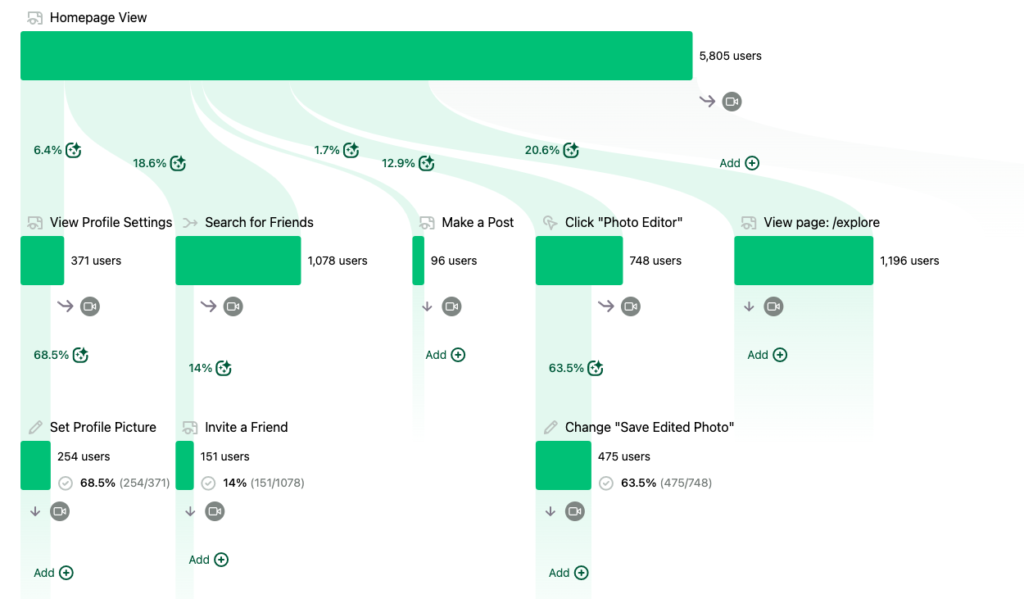
Heap automatically tracks user actions without manual event setup.
Key features
- Auto event tracking
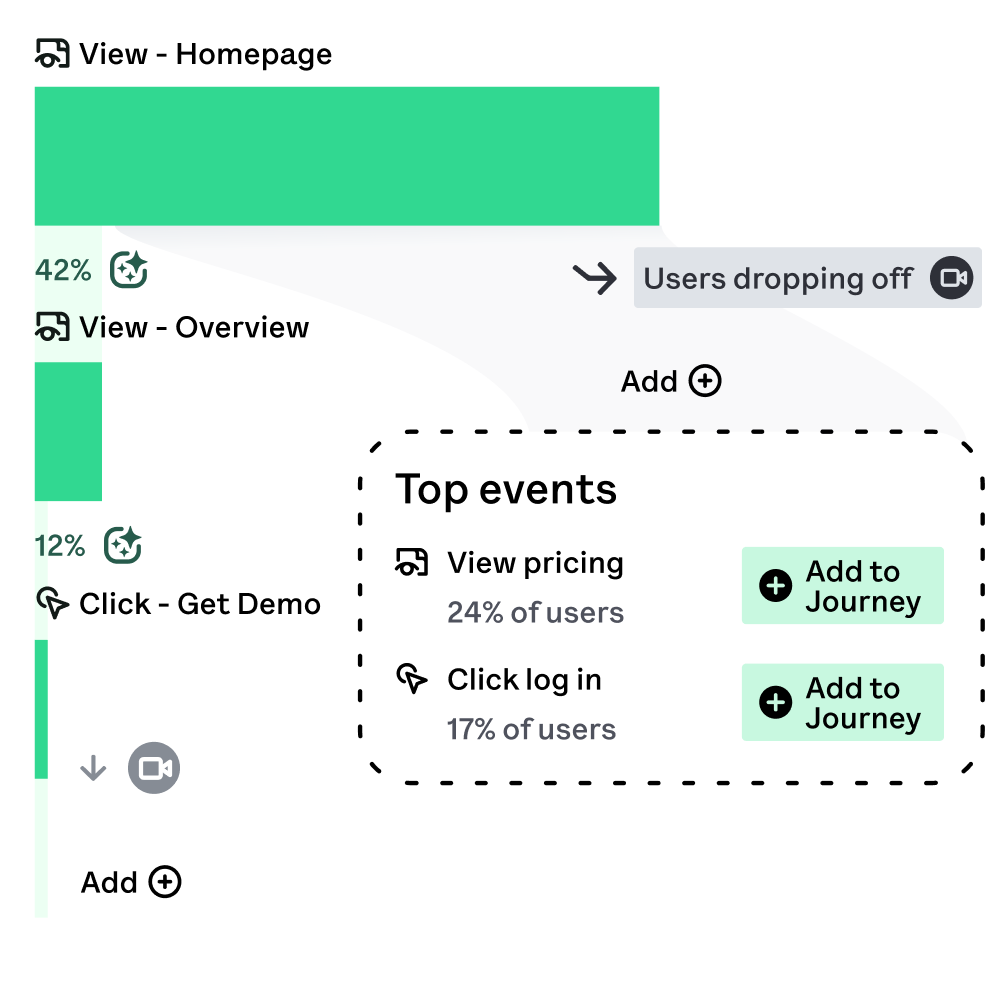
- User journey maps
- Funnel reports
- Product analytics
Best for
Teams that want advanced insights with minimal setup.
How Visitor Tracking Improves UX
Website visitor tracking tools show you:
- Where users get confused
- Which sections are ignored
- What causes drop-offs
With this data, you can:
- Simplify navigation
- Improve page layouts
- Fix slow or broken sections
- Make content easier to read
Better UX means happier visitors.
How Visitor Tracking Helps SEO
Visitor tracking software also supports SEO by helping you:
- Find high-bounce pages
- Improve engagement metrics
- Understand organic visitor behavior
- Optimize content based on real usage
When users stay longer and interact more, Google sees positive signals—helping rankings over time.
How Visitor Tracking Boosts Conversions
Conversions improve when you:
- Remove friction points
- Optimize CTAs
- Test layouts with heatmaps
- Analyze funnels
This is how website visitor tracking tools directly help you improve UX and conversions together.
Simple Tips for Choosing the Right Tracking Tool
If you’re just starting, follow these basics:
- Start with one main tool (Google Analytics + Clarity is a great combo)
- Focus on usability, not features
- Pick tools that match your business type
- Avoid paying for advanced tools too early
- Review reports monthly
Remember: tools don’t grow your business—how you use them does.
Conclusion: Turn Visitor Data Into Real Growth
Understanding your visitors is no longer optional.
With the right website visitor tracking tools, you can:
- Improve UX
- Strengthen SEO
- Increase conversions
- Make smarter marketing decisions
Whether you’re running a startup or managing a growing site, investing in good visitor tracking software gives you clarity, confidence, and control.
And once you understand user behavior, real optimization begins.
For long-term results, website analytics should be part of a complete optimization plan, including technical SEO, content strategy, and UX improvements. Explore our professional SEO services to grow traffic and conversions.
Ready to Optimize Your Website?
If you want expert help using visitor data to improve UX, SEO, and conversions, consider working with professional SEO specialists.
A strong SEO strategy—combined with smart tracking—can turn your website into a powerful growth engine.
Frequently Asked Questions (FAQ)
❓ What are website visitor tracking tools?
Website visitor tracking tools are software platforms that show how users interact with your site. They track clicks, page views, scrolling, time on page, and conversions—helping you understand visitor behavior so you can improve UX and conversions.
❓ Do visitor tracking tools help SEO?
Yes. Visitor tracking software helps SEO by revealing:
- High bounce-rate pages
- Poor engagement areas
- Organic traffic behavior
With this data, you can optimize content, improve user experience, and strengthen signals that support better rankings in organic search results.
❓ Which visitor tracking tool is best for beginners?
For beginners and startups, starting with a simple setup like Google Analytics plus a heatmap tool is usually enough. This combination gives you both SEO analytics and visual UX insights without complexity.
❓ Can website visitor tracking increase conversions?
Absolutely. By seeing where users drop off or hesitate, you can:
- Fix confusing layouts
- Improve CTAs
- Simplify forms
- Optimize landing pages
This directly helps improve UX and conversions.
❓ How often should I review visitor tracking data?
At least once per month. For growing startups, weekly reviews are even better—especially when launching new pages or campaigns.