
Technical SEO works best when combined with strong keyword strategy. You can also read our guide on keyword research for startups to understand how search intent drives traffic.
If your website isn’t ranking—or traffic suddenly drops—there’s a big chance technical problems are holding you back. That’s why learning technical SEO tips early is critical for startup founders and website owners.
In this beginner-friendly technical SEO guide, you’ll learn how to spot common problems, apply practical technical SEO fixes, and follow proven methods to fix SEO step by step.
This guide is written in simple English and focuses on real actions you can take today.
Let’s start.
Why Technical SEO Matters
Technical SEO is the foundation of your website.
You might have great content and strong keywords—but if search engines can’t crawl, index, or understand your site, rankings will suffer.
Good technical SEO helps:
- Google crawl your pages
- Index important content
- Improve page speed and usability
- Build trust with users
- Increase organic traffic
That’s why mastering basic technical improvements is one of the smartest moves for long-term growth.
What Is Technical SEO? (Simple Definition)
Technical SEO is the process of optimizing your website’s backend and structure so search engines can easily crawl, index, and rank your pages.
In simple terms:
Technical SEO makes your site fast, clean, accessible, and search-engine friendly.
It includes things like:
- Site speed
- Indexing
- Mobile optimization
- Fixing errors
- Removing duplicates
This technical SEO guide focuses on practical steps any beginner can follow.
Common Technical SEO Problems
Before jumping into fixes, let’s understand the most common technical SEO issues.
1. Slow Website Speed
Slow sites lose visitors and rankings.
Common causes:
- Large images
- Too many scripts
- Poor hosting
- No caching
Speed is one of the most important technical SEO best practices today.
2. Indexing Issues
If Google can’t index your pages, they won’t appear in search results.
This often happens due to:
- Blocked pages
- Noindex tags
- Missing sitemaps
3. Broken Links
Broken links hurt user experience and waste crawl budget.
They usually come from:
- Deleted pages
- Changed URLs
- Old internal links
4. Duplicate Pages
Duplicate content confuses search engines.
Examples:
- HTTP vs HTTPS
- www vs non-www
- Similar product pages
5. Missing Meta Tags
Without proper title tags and meta descriptions, Google struggles to understand your pages—and users don’t click.
6. Mobile Usability Problems
Most visitors use mobile devices. If your site isn’t mobile-friendly, rankings drop fast.
Technical SEO Guide: Step-by-Step SEO Fix Process
If you’re new to SEO fundamentals, start by learning what is on page SEO before applying advanced technical SEO fixes.
Now let’s get practical.
Here’s a simple process to apply technical SEO fixes and perform a proper seo fix on your site.
Step 1: Site Speed Optimization
Start by checking your page speed using tools like Google PageSpeed Insights.
Quick improvements:
- Compress images
- Remove unused plugins
- Enable caching
- Upgrade hosting
Speed improvements are often the fastest seo fix you can make.
Step 2: Crawl & Indexing Fixes
Use Google Search Console to review:
- Indexed pages
- Crawl errors
- Submitted sitemaps
Make sure:
- Important pages are indexed
- XML sitemap is submitted
- No key pages are blocked
This step alone solves many technical SEO fixes.
Step 3: Fix Broken Links
Find broken links using Screaming Frog or similar crawlers.
Then:
- Update internal links
- Redirect deleted URLs
- Remove useless external links
Broken links are one of the most common problems when trying to fix SEO.
Step 4: Core Web Vitals Improvement
Core Web Vitals measure real user experience.
Focus on:
- Faster loading
- Stable layouts
- Better interaction
Improve them by:
- Loading critical content first
- Reducing JavaScript
- Fixing layout shifts
These are advanced but powerful SEO improvements.
Step 5: Mobile Optimization
Check your site on phones and tablets.
Make sure:
- Text is readable
- Buttons are clickable
- Menus work properly
Mobile-first indexing makes this a technical SEO best practice.
Step 6: Duplicate Content Fixes
Common solutions:
- Set canonical URLs
- Redirect HTTP to HTTPS
- Choose one domain version
This tells Google which page to rank.
Best Technical SEO Tips for Beginners
Here are practical website optimization you can apply even if you’re new:
✔ Clean URLs
Keep URLs short and readable.
✔ XML Sitemap
Submit an XML sitemap so search engines find all your pages.
✔ Internal Linking
Connect related pages to help users and crawlers.
✔ Image Optimization
Compress images and add descriptive alt text.
✔ HTTPS Setup
Always use HTTPS for security and trust.
These simple steps are part of every solid technical SEO guide.
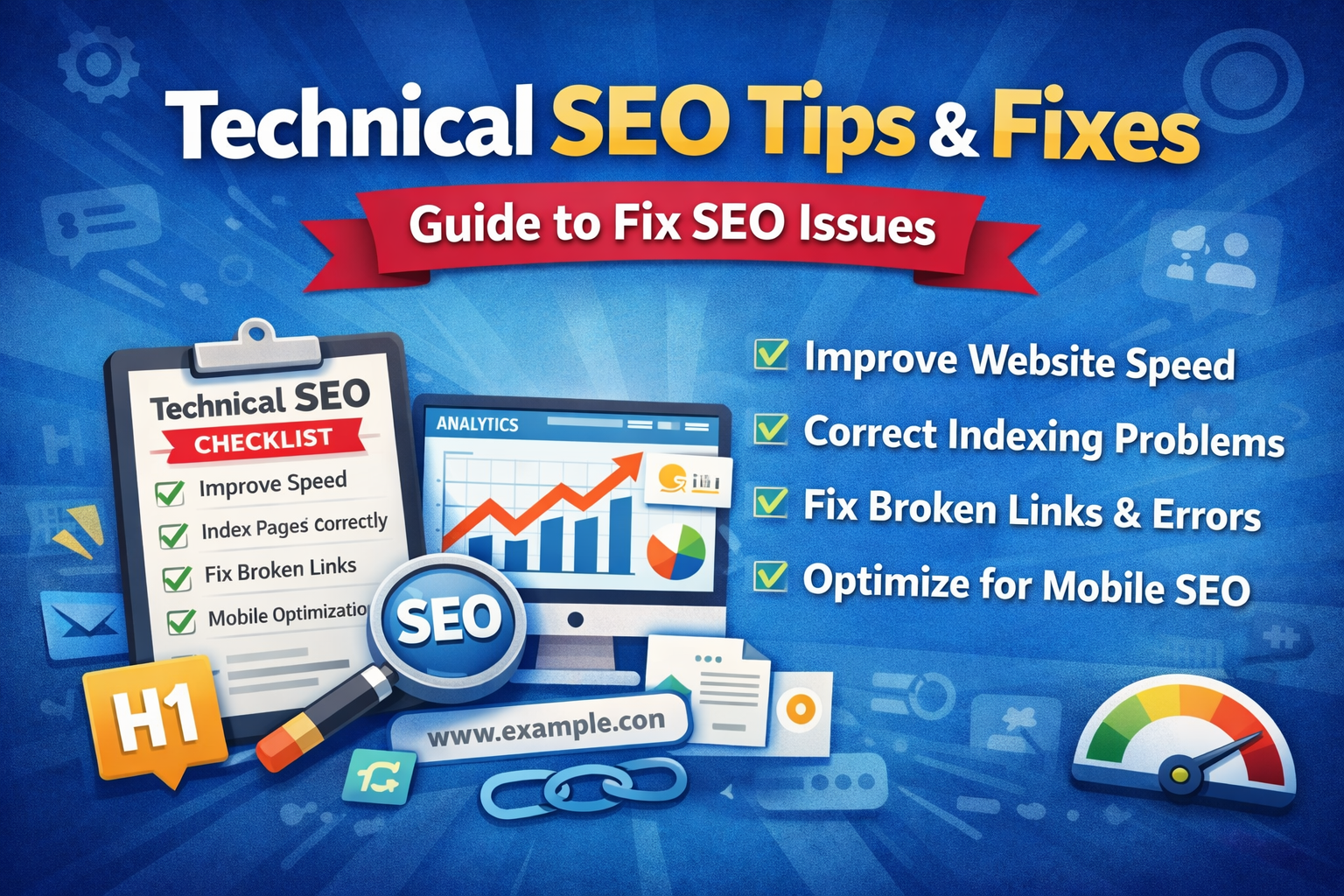
Technical SEO Fixes Checklist
Use this quick checklist before publishing or auditing your site:
- ✅ Website loads fast
- ✅ Pages are indexed
- ✅ No broken links
- ✅ Mobile-friendly design
- ✅ Clean URLs
- ✅ XML sitemap submitted
- ✅ Canonical tags set
- ✅ HTTPS enabled
- ✅ Images optimized
- ✅ Internal links added
This checklist covers the technical SEO best basics.
Tools to Find Technical SEO Issues
You don’t need expensive software to start.
Beginner-friendly tools include:
- Google Search Console – indexing & crawl errors
- Google PageSpeed Insights – speed testing
- Screaming Frog – broken links & duplicates
These tools help you perform a basic audit and apply quick seo fix actions.
Common SEO Fix Mistakes to Avoid
When applying technical SEO fixes, avoid these beginner mistakes:
- Trying to fix everything at once
- Ignoring mobile users
- Forgetting redirects after URL changes
- Blocking important pages
- Skipping regular audits
Remember: technical SEO is ongoing—not one-time.
Frequently Asked Questions
❓ What is technical SEO?
Technical SEO focuses on optimizing your website’s structure, speed, and accessibility so search engines can crawl and rank your pages properly.
❓ How long does SEO fixes take?
Small fixes show results in weeks. Bigger improvements usually take 3–6 months, depending on competition and site health.
❓ Can beginners fix SEO themselves?
Yes. Beginners can handle basic technical SEO tips like speed, broken links, mobile optimization, and sitemaps. Advanced issues may need expert help.
Conclusion: Fix SEO Regularly for Long-Term Growth
Let’s wrap up.
If you want better rankings and user experience, you must follow consistent technical SEO tips and apply regular technical SEO fixes.
Start with:
- Speed optimization
- Indexing checks
- Broken link cleanup
- Mobile improvements
- Duplicate content fixes
This technical SEO guide gives you a clear path to perform a solid seo fix and follow technical SEO best practices.
Remember: SEO isn’t a one-time job. Review your site every few months and continue to fix SEO as your business grows.
Mastering these basics gives your startup a serious competitive edge.
🚀 Need Professional Technical SEO Help?
If technical SEO feels overwhelming—or you want faster results—working with experienced specialists can save time and costly mistakes.
A professional audit and expert fixes can unlock your website’s full potential, so you can focus on growing your business.
Pingback: Earn Money in SEO (Beginner to Pro Guide 2026)
Pingback: Website Optimization for Google Search: Rank Higher & Increase Traffic in 2026